By Syed Muhammad Daud Rizvi — Co-founder of TapOkie. Built the app after recognising how many people live alone with no simple way to let someone know they are OK each day.
The best daily check-in apps for people living alone combine a simple once-a-day OK signal, automated alerts when you miss a window, and contacts who do not need their own app. In 2026, evaluate setup friction, free-tier limits, location pressure, and whether alerts reach ordinary SMS — not only who has the biggest feature list.
Millions of adults live alone - in the UK, the US, Canada, and well beyond. The practical fear isn’t always dramatic; it’s delay: something goes wrong, and nobody realises for hours or days. Daily check-in apps exist to shrink that window with a lightweight habit: one deliberate “I’m OK” signal on a rhythm you agree.
This guide is for 2026 buyers: what to look for, which product shapes exist, and where TapOkie fits without pretending we’re the only honest answer.
What a “daily check-in app” should do
At minimum, a good solo-living check-in app should:
1. Remind the user when it’s time to check in (usually once per day). 2. Let them confirm OK in seconds - not a multi-screen ritual. 3. Notify trusted contacts if confirmation doesn’t happen inside the agreed window. 4. Treat privacy as default - location optional, not smuggled in as “safety.”
Nice-to-haves that matter in real families:
- SMS to contacts who won’t install another app.
- Grace periods so “ten minutes late” isn’t a crisis.
- Pause/skip for holidays and travel.
- Emergency option separate from the daily rhythm (SOS vs “I forgot to tap”).
If an app can’t explain its missed-check-in behaviour in one paragraph, keep shopping.
How check-in apps differ from GPS and medical alerts
GPS trackers and family map apps (e.g. Life360-style circles) answer: where are you? They’re coordination tools. Used as a default for ageing parents, they often erode trust - see Why Tracking Apps Fail Older Adults.
Medical alert pendants answer: help me right now. They’re emergency buttons, not “Tuesday went fine” signals.
Daily check-in apps answer: did the usual heartbeat arrive? That’s the right primary layer for solo living peace of mind on ordinary days.
For a dedicated comparison of three named brands, read TapOkie vs Snug Safety vs Life360.
Best daily check-in apps for people living alone (2026)
1. TapOkie - best for SMS-first families and privacy-conscious solo adults
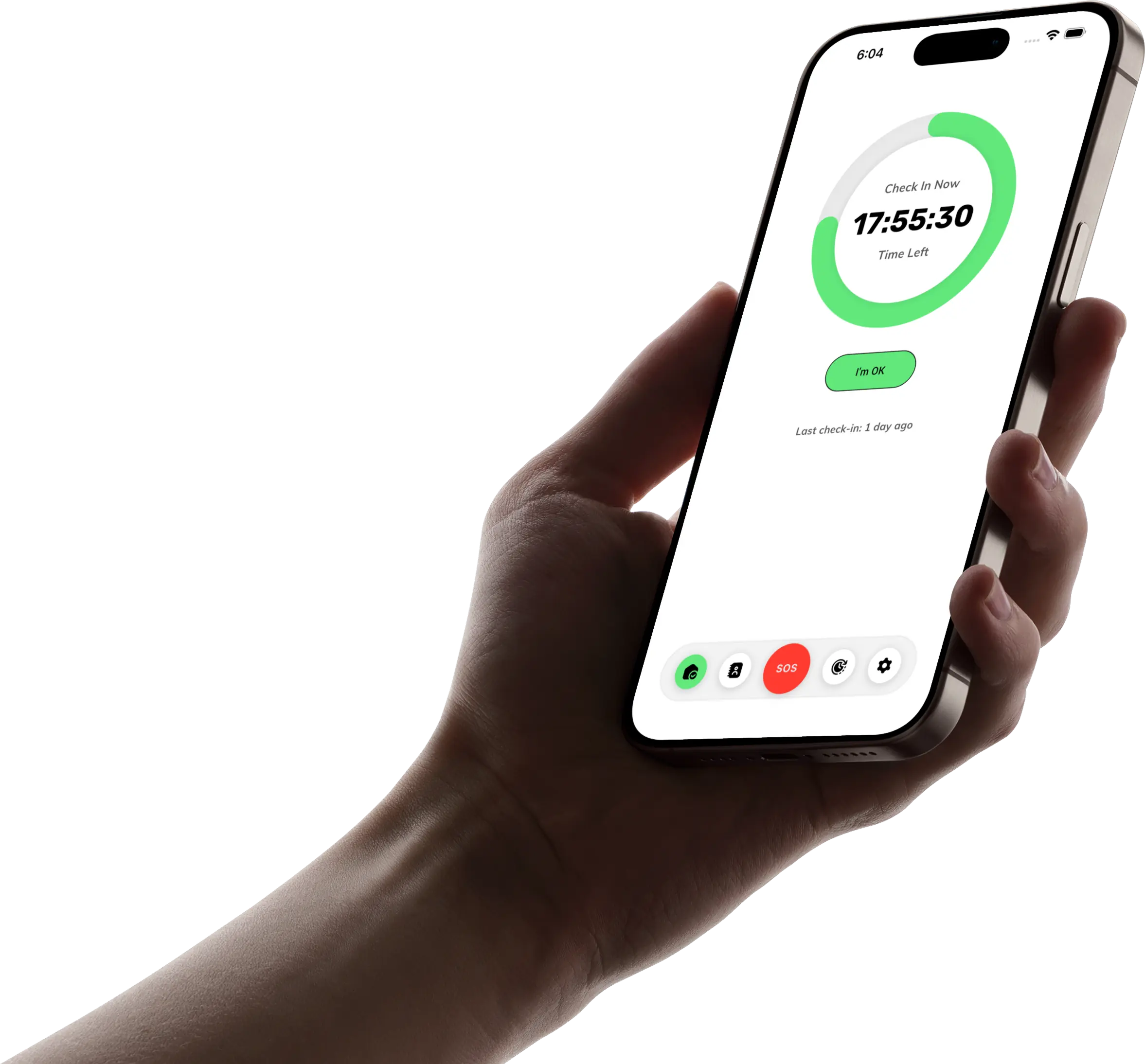
TapOkie is our product, so we’ll be direct about why we built it: one tap per day, SMS alerts to verified contacts (no TapOkie on their phone), and location only if you enable it through normal iOS/Android permission dialogs.
Standout features
- Free tier: daily check-in, push reminders, one verified contact, SMS on missed check-in.
- Premium: more contacts, custom schedules, 15-minute grace period, pause/skip, one-tap emergency button, per-contact SMS languages.
- App UI in multiple languages; alerts can match each contact’s language.
Limitations
- Not fall-detection hardware; not a 24/7 monitoring centre.
- Requires the solo adult to adopt the habit - software can’t replace consent.
Best for: solo travellers, remote workers, students, and families who want structure without a family map.
2. Snug Safety - best for senior-branded check-in positioning
Snug has long been marketed as a daily check-in for older adults. If your parent responds to “senior safety app” framing more than “family tech,” Snug belongs on the shortlist.
Evaluate on: how contacts receive alerts, pricing at renewal, and whether the check-in window fits their routine (morning tea vs evening news).
Limitations
- Confirm contact workflows during a trial - ecosystem details change.
- Still a habit product, not continuous GPS.
Best for: families explicitly shopping age-tech check-in brands.
3. Imperfect but valid: disciplined SMS or WhatsApp
Not an app endorsement - a pattern. Some households run a fixed daily text (“OK?” / “👍”) with a standing rule: no reply by 8pm → call the neighbour.
Pros: zero install friction, total control. Cons: breaks on busy weeks, time zones, and “I didn’t want to bother you.”
Best for: low-tech households willing to enforce the rule ruthlessly.
4. Wellness platforms with check-in modules
Some broader “wellness” or care-coordination platforms include check-in modules. They can work when you’re already inside that ecosystem - but watch for feature bloat and contact app requirements.
Use our wellness check app guide to separate rhythm-based tools from surveillance-shaped ones.
5. What we don’t list as “daily check-in apps”
Life360-style GPS circles, home-only motion sensors, and medical alert pendants can be excellent adjacent tools - but they solve different moments. See Living Alone and Worried About Falls? 5 Tools That Actually Help for how to stack them without GPS as the default.
How to choose in five minutes
Ask these five questions out loud with the person who will tap daily:
1. Who gets notified - and are they happy to be in the loop? 2. What time window fits real life without nagging? 3. SMS or app-only for contacts? 4. What happens on a miss - call, text, neighbour, 999? 5. Is location optional - and who controls it?
If question 5 makes someone uncomfortable, disqualify GPS-first products regardless of star ratings.
Setting up so the habit sticks
Technology fails when it’s deployed as surveillance. Our step-by-step for families is How to Set Up a Safety Check-In Routine for an Ageing Parent - the same steps apply when you are the solo adult choosing contacts.
For the demographic case - why millions of solo households need better tools - read How Many People Live Alone in the UK — And Why That's a Safety Problem.
The bottom line
The best daily check-in app for living alone in 2026 is the one your household will actually use for ninety days: SMS reach, respectful privacy, clear escalation, and a window that matches real routines.
For most readers comparing seriously, that shortlist starts with TapOkie (signal + SMS + optional location) and Snug (senior check-in specialist) - with GPS circles only if everyone truly opted in.
Further reading
Compare specific apps: - TapOkie vs Snug Safety vs Life360 — full three-way comparison - TapOkie vs Life360: check-in app vs GPS tracker - TapOkie vs AssureOkay - TapOkie vs Still OK - TapOkie vs CheckIn More
Understand the categories: - Check-In App vs GPS Tracker vs Medical Alert: Which Type Do You Need? - What Is a Wellness Check App? - Free Check-In Apps for Living Alone — Honest Breakdown - Privacy-First Safety Apps: The Complete List (No GPS, No Tracking)
Download TapOkie free and run your first week of check-ins — or read TapOkie vs Snug Safety vs Life360 if you’ve already narrowed the field.
Common questions
What should I look for in a daily check-in app?
A reliable rhythm, clear missed-check-in alerts, minimal friction for you and contacts, and a privacy model that matches how closely you want to be tracked.
Do free check-in apps work long term?
Some free tiers keep the core habit. Others gut SMS contacts or cap alerts. Always verify the permanent free offer before relying on it.
Is GPS required for a check-in app?
No. Many people only need a signal that they are OK. Continuous tracking is a different product for different trust needs.
How is TapOkie different?
TapOkie is built around one daily tap and SMS to verified contacts when you miss it, with optional location — not always-on family tracking.