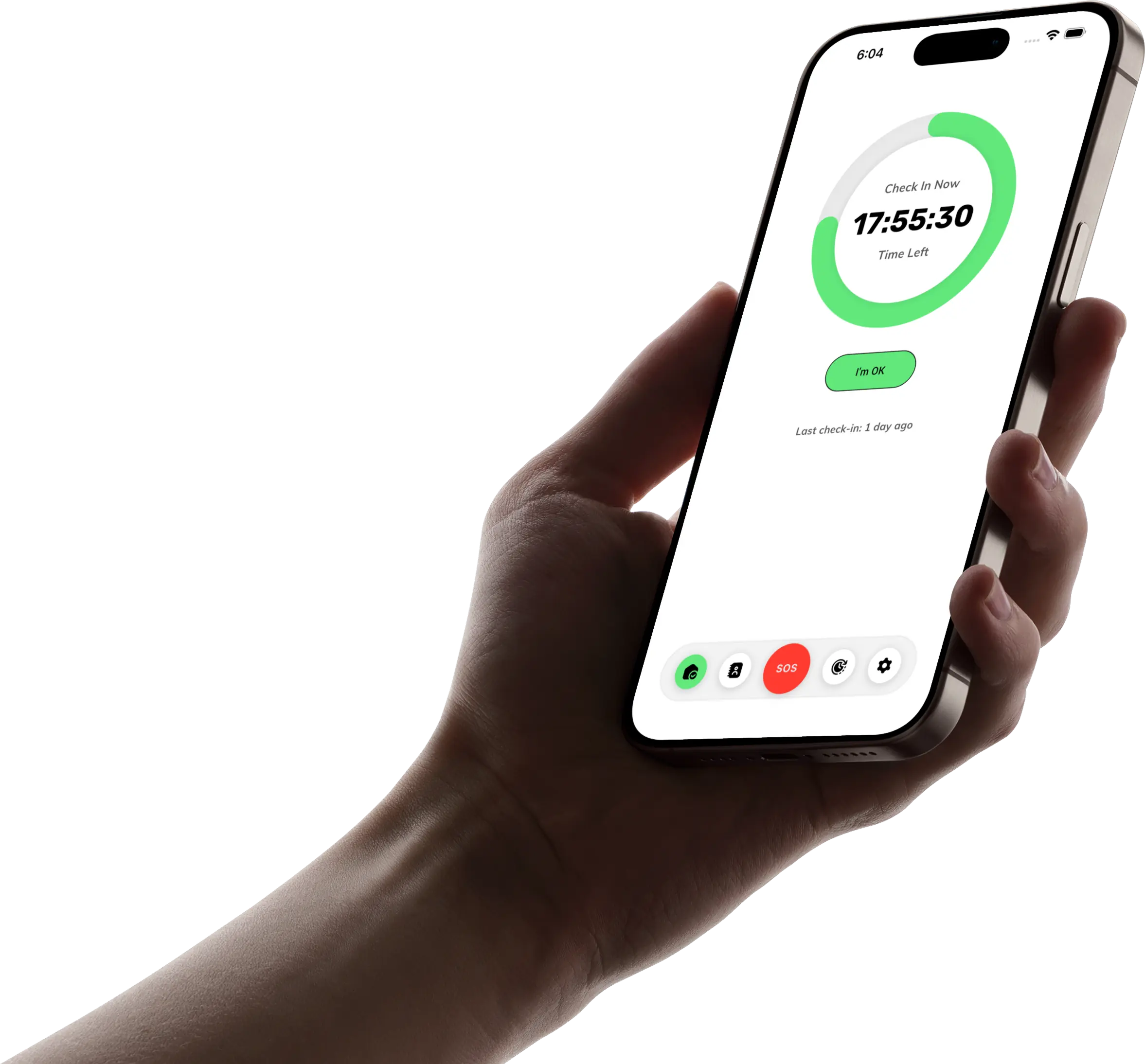
How TapOkie Works
From download to daily check-in — here's how TapOkie keeps you and your circle connected.
Set up in minutes
Download free, add a trusted contact, and they verify once by SMS.
Tap once. That's it.
One tap on I'm OK tells your circle you're safe for the day.
Miss it? They'll know.
They get an SMS if you miss — with location or Safety Trail if enabled. No app needed.
Download the app and set up your account
Download TapOkie free on iOS or Android, sign up, and add trusted contacts — the people who should hear from you if something's wrong. Each one gets an SMS link to verify; they explicitly choose to join your circle.
Create your profile and sign in securely.
Add contacts (Free includes 1 verified contact; Premium up to 3). Each confirms by SMS before they receive any alert.
Turn on notifications so TapOkie can remind you when it's time to check in.

Your daily check-in
Tap "I'm OK" once when it suits you — that's the whole habit for your contacts. Behind the scenes, Free and Premium differ in timing options; TapOkie still fits real life.
When and how you check in
In Free you have one check-in per day in a simple 24-hour window — just tap "I'm OK" before your window ends. In Premium you can keep the 24-hour window or set custom check-in times for each day of the week. Either way, TapOkie sends gentle reminders in your app language so you don't miss a check-in.
Staying on track
In Free you have one daily check-in window; tap when you're ready and your circle knows you're okay. In Premium you can pause check-ins when you're away, or schedule skips in advance — for example, pause for up to 7 days when you're on vacation — so no unnecessary alerts go out.

If you miss a check-in, and when you need help now
If you're unreachable, TapOkie narrows silence into a timely SMS — they don't need the app installed. When you truly need speed, SOS is available on Premium.
Miss your check-in window and TapOkie sends SMS to your emergency contact(s) — one on Free, up to three on Premium, with a 15-minute grace period on custom schedules. Alerts can include last known location if you allow it, and a private Safety Trail link if that feature is on. No app needed on their end.
Need help right away? The one-tap emergency button (Premium) notifies your contacts immediately — up to 15 successful taps per calendar month. If you allow location, the SOS SMS can include your last known position so they know where to start. Use it when waiting for the next check-in window is not enough.
That's the flow: download, set up your circle, check in when TapOkie reminds you, and rest easy knowing someone cares.