By Syed Muhammad Daud Rizvi — Co-founder of TapOkie. Built the app after recognising how many people live alone with no simple way to let someone know they are OK each day.
Setting up a check-in routine for an ageing parent works best as collaboration: agree a daily window, install a simple app on their phone, add contacts by SMS verification, and practice once what happens if they miss a tap. Avoid framing it as spy-tech and start with one trusted alert recipient.
This is the setup guide — practical steps for configuring the routine once you’ve both agreed to it. For how to open the conversation first (framing, handling "I’m not that old" objections, autonomy), see How to Talk to an Aging Parent About a Safety App.
Setting up a safety check-in routine with an ageing parent isn’t mostly a tech problem. It’s a conversation, then a small habit, then a fallback for when the habit slips. This guide walks you through it in five steps you can finish in an afternoon — and keep running for years.
Age UK notes that staying connected with trusted people is one of the most effective practical safety behaviours for older adults living alone — and that the best systems are ones the older person themselves feels in control of, rather than ones imposed from outside.
If you’re still deciding whether a check-in app is the right shape at all, our wellness check app guide covers the broader category first.
Step 1 - Have the conversation before you choose any tool
Before you open an app store, agree on three things with your parent:
- Why you’re doing this (one sentence: e.g. “so we both relax - we know you’re OK without me phoning every evening”).
- Who is in the loop (one or two trusted contacts, not eight).
- What “alert” means to them (an SMS to you, not flashing dashboards).
The goal is mutual relief, not parental compliance. If your parent feels they didn’t consent, the routine breaks within weeks regardless of which app you picked. We unpacked why surveillance-shaped routines collapse in Why Tracking Apps Fail Older Adults.
Step 2 - Pick the rhythm that fits real life
The two most sustainable cadences are:
- One daily check-in at a window you already share - e.g. before lunch, or after the morning news.
- One “end-of-day” check-in that confirms today went OK rather than micromanaging the day.
A few principles:
- One per day is plenty for most adults - more is stressful, less is unreliable.
- Tie it to existing habits (kettle on, lights off) so it doesn’t become a separate chore.
- Build in a grace period so a few minutes late doesn’t cause panic.
Step 3 - Choose a method (light to heavy)
Three reasonable options, in order of effort:
Manual text or call. Free, immediate to start, brittle long-term - life gets busy and the streak breaks quietly.
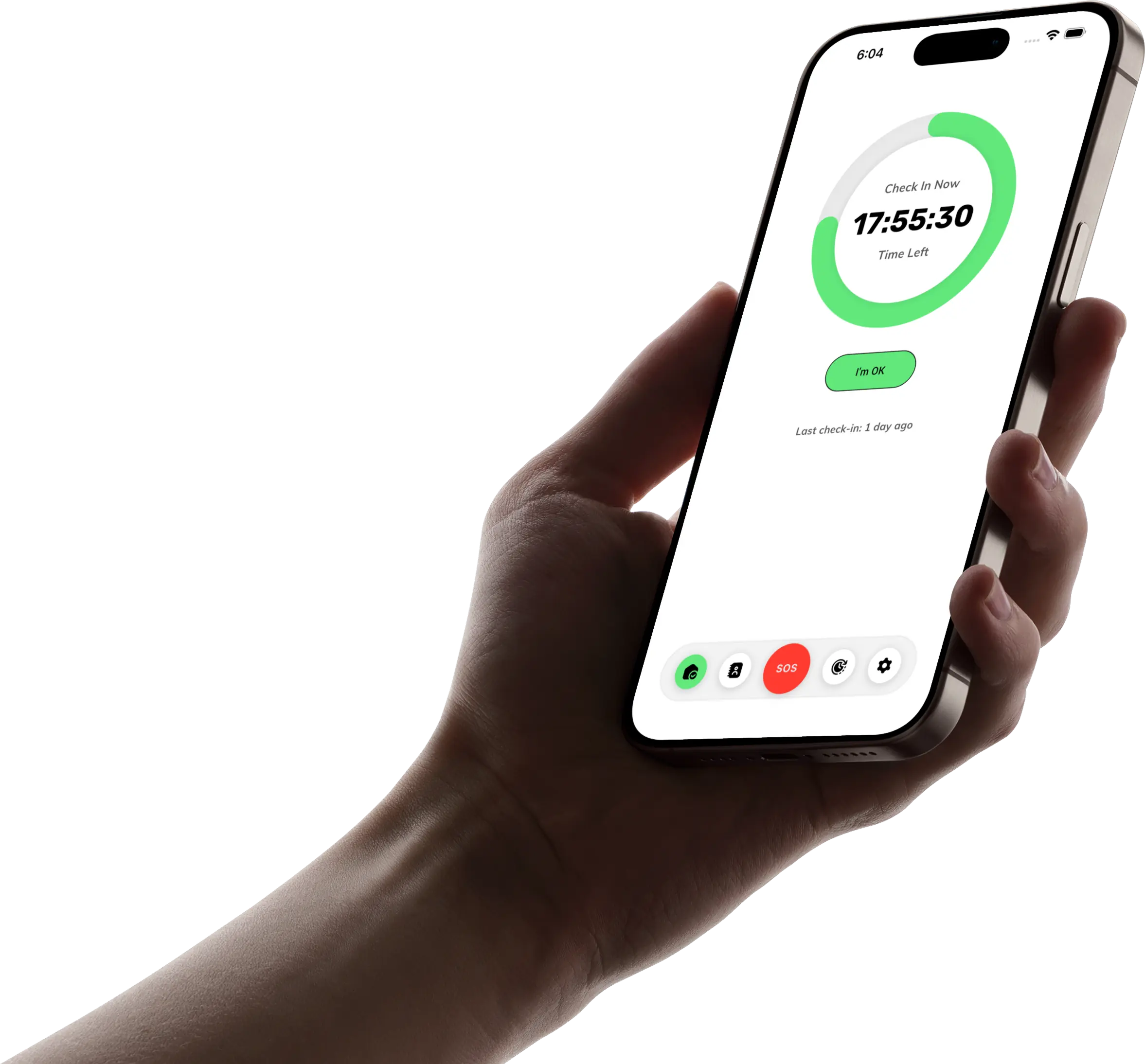
Daily check-in app. Built for this exact pattern: a one-tap “I’m OK,” reminders if forgotten, automatic SMS if missed, no app required for the people receiving the alert. This is where TapOkie sits - daily tap, SMS to verified contacts, optional location with normal device permissions, free for the core habit; Premium adds custom schedules, pause/skip, a one-tap emergency button, and per-contact SMS languages.
Specialist hardware (medical alert pendants, telecare). Right answer if clinical fall risk or specific medical conditions are the dominant concern - different problem from the everyday “please notice if I’m unwell.” Often layered with a daily check-in, not instead of it.
For the broader trade-off between SOS and daily rhythm, see Panic Button vs Daily Check-In.
Step 4 - Decide what happens when a check-in is missed
Pre-decide the escalation ladder so nobody panics in the moment:
1. Wait through the grace period. Most missed check-ins are cups of tea, naps, or distraction. 2. Try the parent first by call/text once the alert lands. 3. Try a second contact (sibling, neighbour) if there’s no answer. 4. Ask a local contact to physically check in - neighbour, building concierge, nearby friend. 5. Call non-emergency services if you genuinely cannot reach anyone after these steps.
Write this down somewhere both of you can see - fridge magnet, shared note. The point isn’t bureaucracy; it’s removing decision fatigue when the alert actually arrives.
Step 5 - Make it humane to maintain
A routine that feels like a chore decays. A routine that feels mutual stays.
- Use the parent’s preferred language for the app and reminders. (TapOkie does this for both UI and the SMS that goes to you.)
- Pause when life genuinely needs it - hospital stays, holidays, retreats - instead of pretending nothing changed.
- Review every few months together: is the time still right? Are the contacts still right? Did anything bother either of you?
If you want a wider list of family habits beyond apps, see 5 Ways to Check on Elderly Parents Remotely.
If falls are the underlying worry-not just missed texts-Living Alone and Worried About Falls? 5 Tools That Actually Help walks through proportionate options (home fixes, check-ins, wearables) without treating GPS as the default.
A quick worked example
> Mum, 71, lives alone. We agreed: I get a text if she misses her morning check-in. She uses TapOkie at breakfast - taps once. If she forgets, she has 15 minutes to do it before I’m notified. If I get the SMS, I call her. If no answer in 10 minutes, I call her neighbour Anita who has a key. We review the setup every six months over Sunday lunch.
That’s the entire routine. It’s deliberately boring. Boring routines are the ones that survive five years.
If you want to set this up tonight, download TapOkie free, add yourself as the verified contact, and walk through the first check-in together at the kitchen table.
Common questions
How do I introduce this without a fight?
Lead with independence and 'missed day' peace of mind, not loss of privacy or control.
Who should be the contact?
Someone willing to call or visit — often an adult child, neighbour, or sibling.
How long does setup take?
Typically a few minutes to install, verify a contact, and choose a check-in window.
What if they forget the habit?
Use push reminders and treat the first weeks as learning, not failure.